 Sally
SallyFeatures
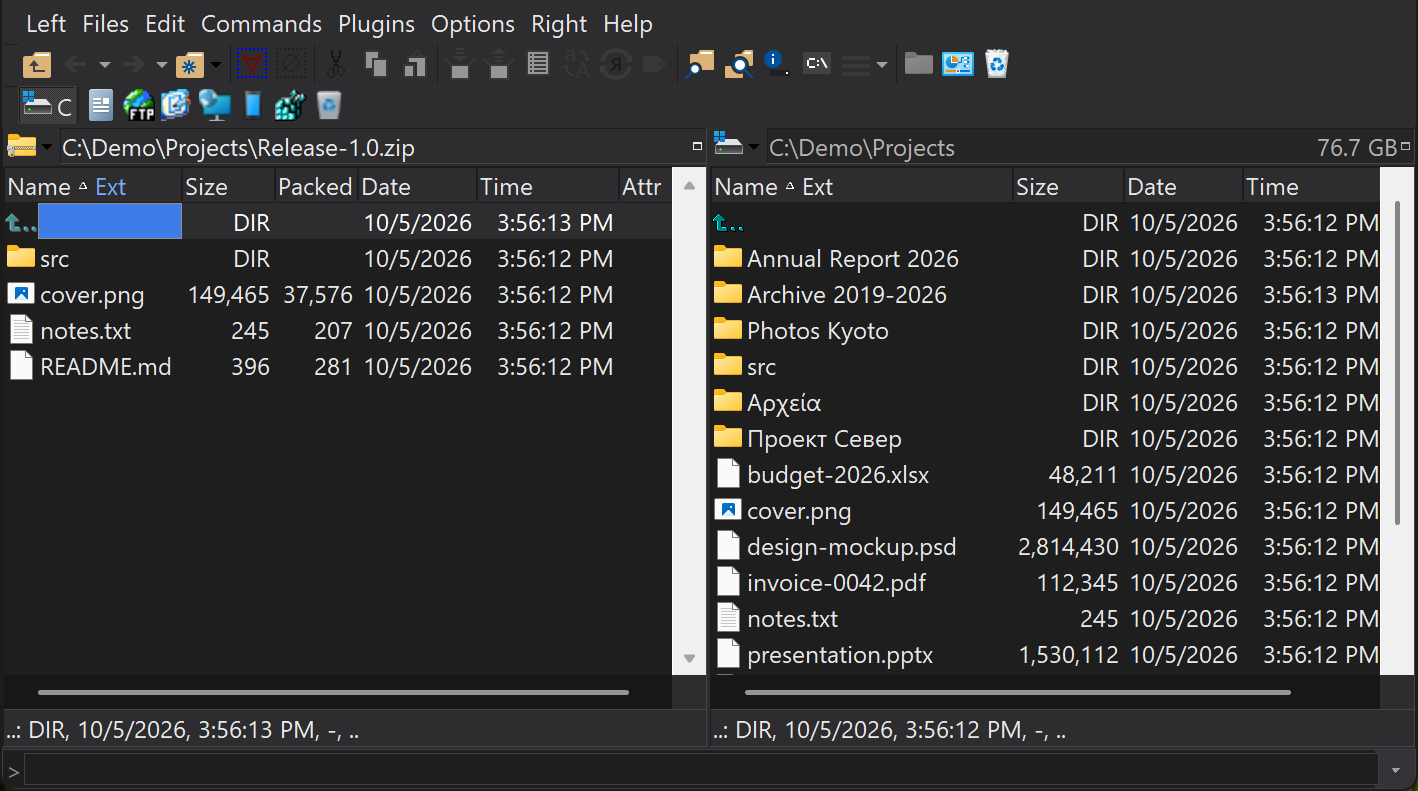
Archives you browse like folders
Press Enter on an archive and it opens in the panel like any folder. View files with F3, copy them out with F5, and copy new files in the same way. No separate archiver window, no temporary folders to clean up.
Formats
| Format | What Sally can do | Plugin |
|---|---|---|
| ZIP | Browse, pack, unpack, test, delete; encryption, self-extracting and multi-volume archives, comments | ZIP |
| 7z | Browse, pack, unpack, test, delete; encryption | 7-Zip |
| RAR (including RAR 5) | Browse and unpack | UnRAR |
| TAR, GZIP, BZIP2, Z, RPM, DEB, CPIO | Browse and unpack; RPM package information | TAR |
| ISO 9660, Joliet, Rock Ridge, UDF | Browse CD and DVD images, all sessions, and unpack | UnISO |
| CAB, ARJ, LZH | Browse and unpack | UnCAB, UnARJ, UnLHA |
| CHM (HTML Help) | Browse and unpack the pages and images | UnCHM |
| EML, MIME, UUE, XXE, yEnc, BinHex | Unpack attachments and encoded files | UnMIME |
| FAT disk images (.ima) | Browse and extract FAT12, FAT16 and FAT32 images | UnFAT |
| OLE2 compound files | Browse and extract the streams inside Office-style compound files | UnOLE2 |
| Quake PAK | Browse, extract and pack | PAK |
Working inside an archive
- Alt+F5 packs the selection into a new or existing archive; Alt+F6 unpacks the focused archive, with a mask to pick which files.
- F5 and F6 copy and move between an archive and a disk folder in both directions, including into a folder deep inside the archive.
- F4 edits a file inside an archive: Sally unpacks it, and when you save and close the editor it offers to put the changed file back.
- F8 deletes files from formats that support it, and archives can be tested for damage.
- Find searches inside archives too.
Your own archivers
Prefer a command-line archiver for a format? The Packers and Unpackers configuration lets you define any external program, with its command line and the file types it handles, and choose per format whether the plugin or the external tool is used.